Suggestion
 Lost & Found
 Call Us
 Lost And Found



Connecting to Wi-Fi
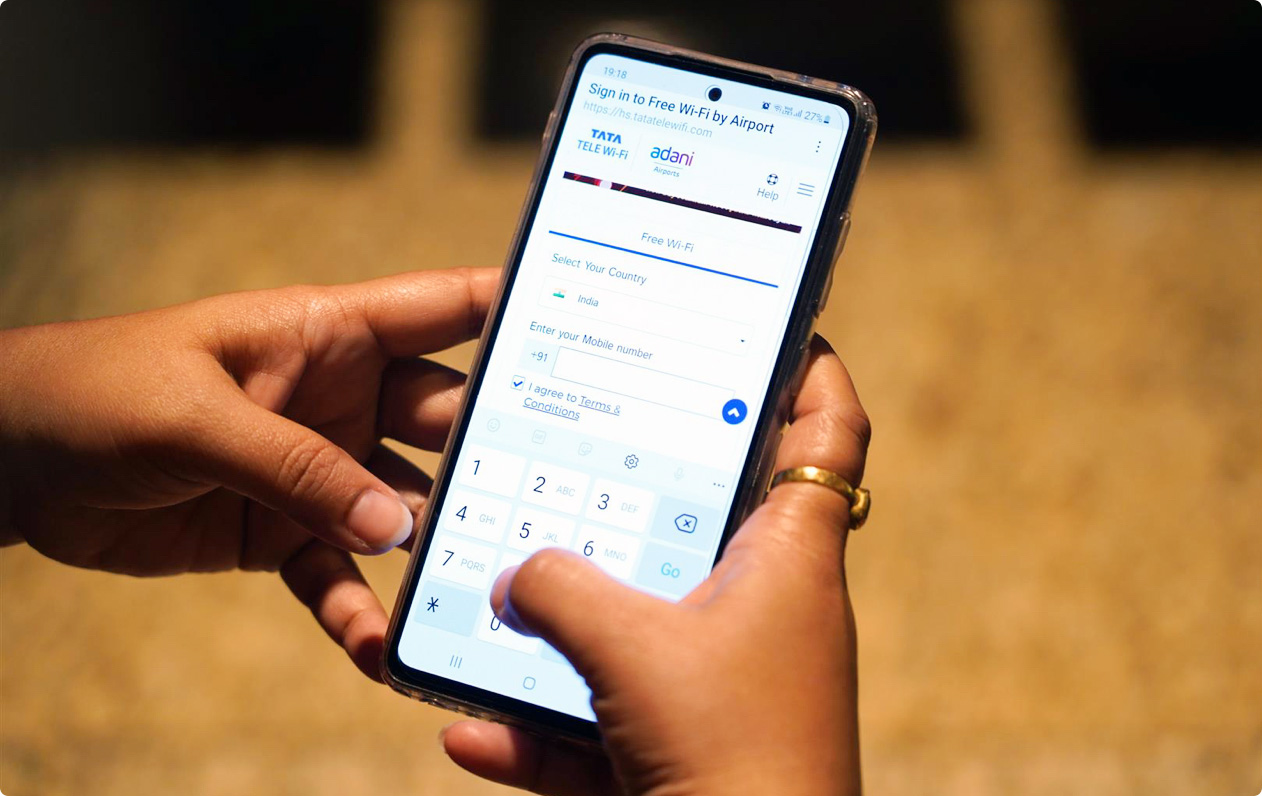
Passengers can access Wi-Fi services at SVPIA by following these steps:
- Open Wi-Fi settings on the preferred device and select #AMD_FreeWi-Fi.
- Open an internet browser (e.g. Safari, Chrome) and enter any website address to access the login page.
- Enter the password obtained through one of the following methods:
Wi-Fi Service @SVPI Airport
Access Wi-Fi via SMS (For Indian SIM card holders)
- Enter a local or international mobile number on the login page.
- A One-Time Password (OTP) will be sent via SMS.
- Enter the OTP to start browsing.
*The mobile number needs to be an active phone number on which text messages can be received.
Get Unlimited Free Wi-Fi
Access Wi-Fi Without OTP
Passengers without a SIM card or international roaming can access Wi-Fi by:
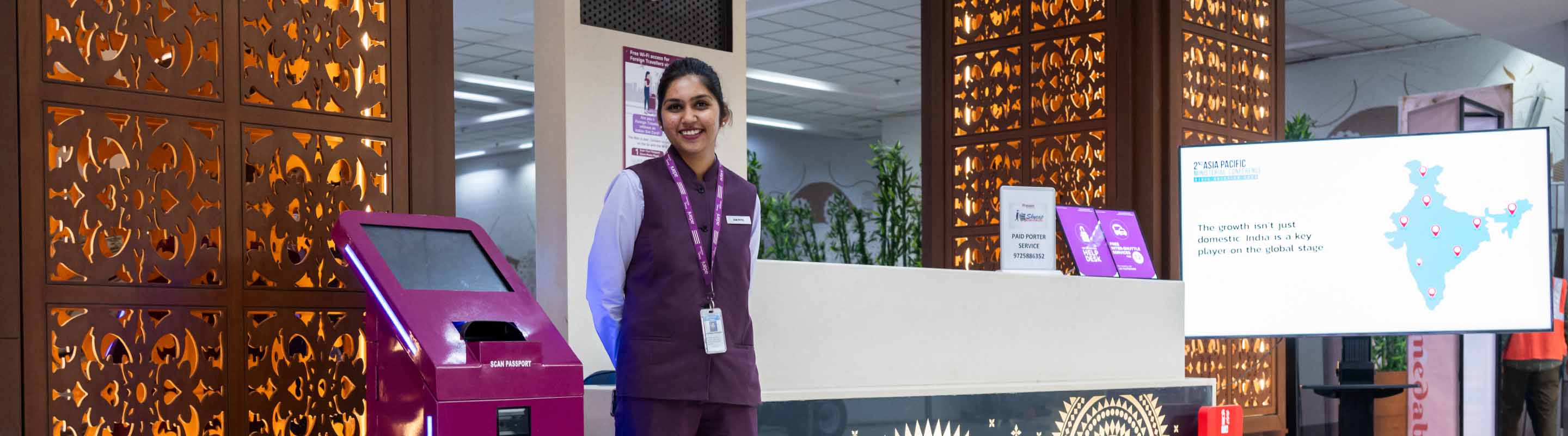
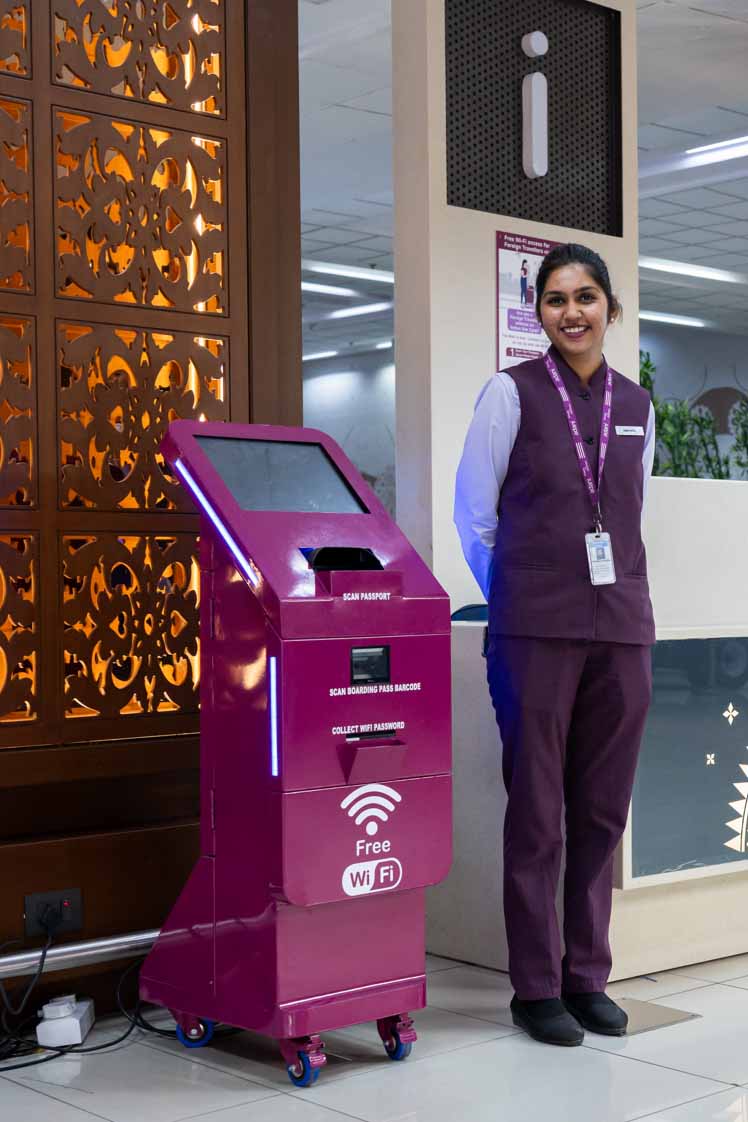
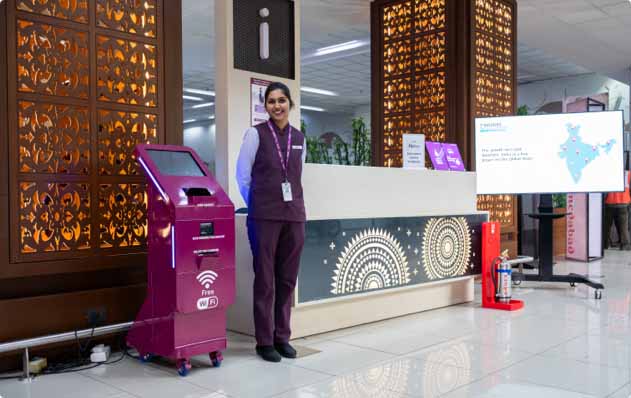
- Visit the Information Desk or Wi-Fi Kiosk for assistance.
- Present valid identification for verification*:
- For international passengers: Passport
- For domestic passengers: Driving license, PAN card, Aadhaar card, etc.
- After verification, a password will be provided.
- Select #AMD_FreeWi-Fi.
- Enter the password and start browsing.
*This is a mandatory requirement from DoT. (Guidelines for the same are available at all information desks)
Get Unlimited Free Wi-Fi


Wi-Fi KIOSKS are available at following locations (Terminal 1 & 2)
Terminal 1
| S. No. | Terminal | Location |
|---|---|---|
| 1 | Arrival | Near the escalator | Arrival Hall |
| 2 | Departure | Opposite Boarding Gate 10 | Security Check Area |
| 3 | Departure | Boarding Gate 3 | First floor | Security Check Area |
Terminal 2
| S. No. | Terminal | Location |
|---|---|---|
| 1 | Arrival | Near duty-free | Arrival Hall |
| 2 | Arrival | Opposite Belt no.5 |
| 3 | Departure | Near Departure Hall | Help desk |
| 4 | Departure | Near Boarding Gate 2 | Security Check Area |
More Services
Discover additional services for an elevated travel experience

Privacy Policy
We use cookies to give you the best experience on our website. By continuing, you're agreeing to our use of cookies. For more information read our Privacy Policy or edit your preferences